Restaurant time clock
The time clock your crew actually uses.
Stick a tag by the door. Staff tap their phone to clock in and out — it greets them by name, and the hours land in labor on their own. No punch cards, no wall terminal to wire, no app for them to download.
No credit card · 3 months free
How a punch happens
Tap the tag, and the rest does itself.
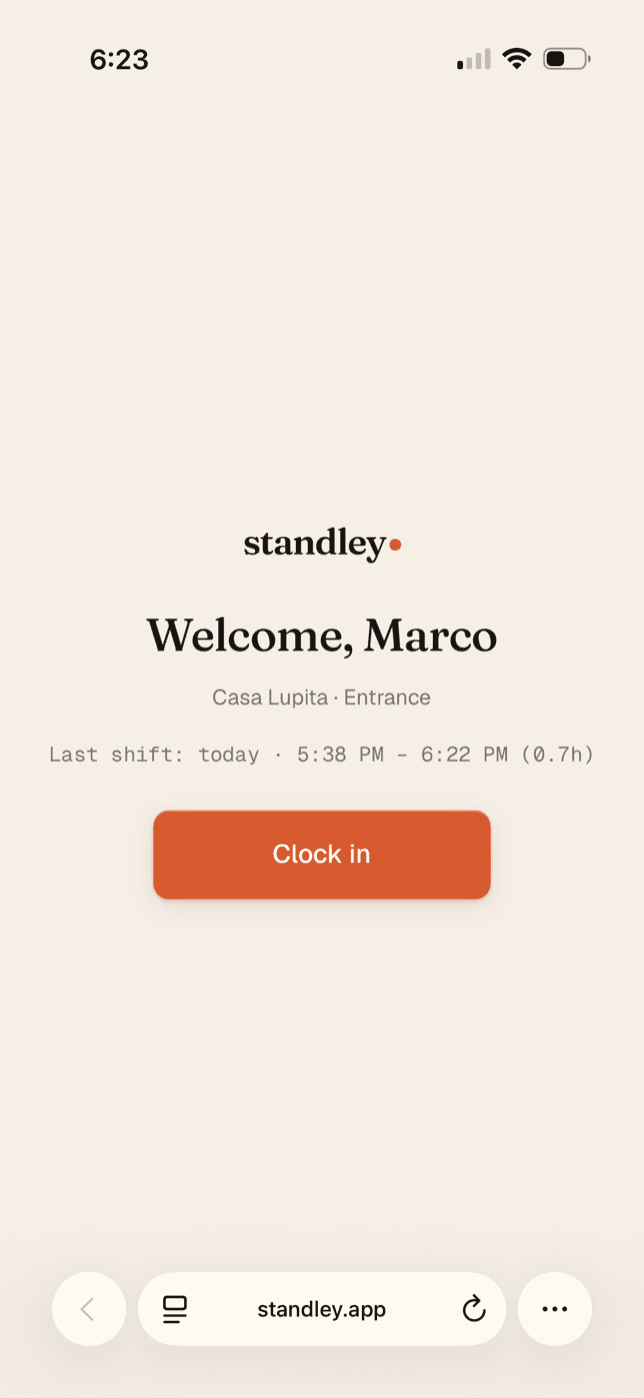
1Tap the tag by the door
It greets them by name — one big button, on the clock.
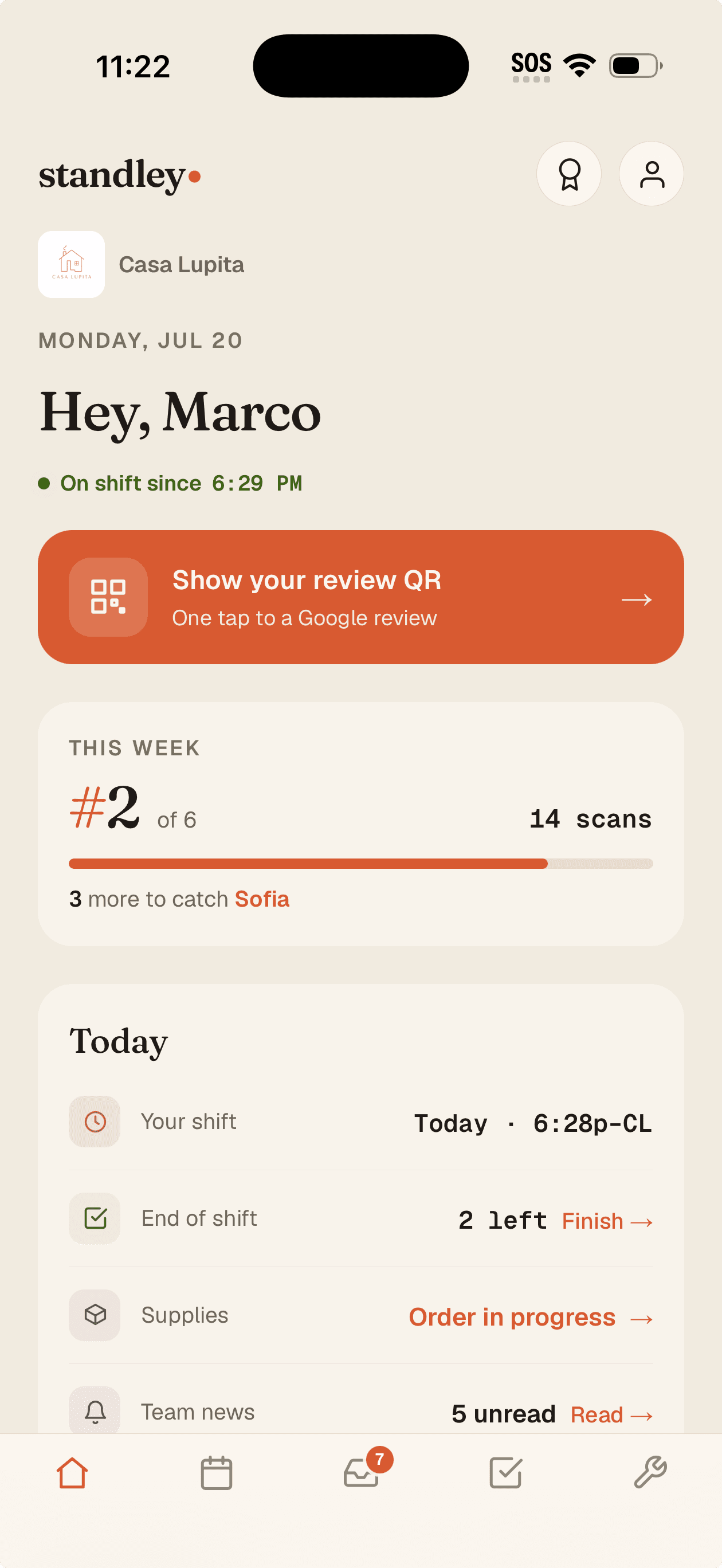
2They're on shift
“On shift since 6:29” right on their home screen — no guessing.
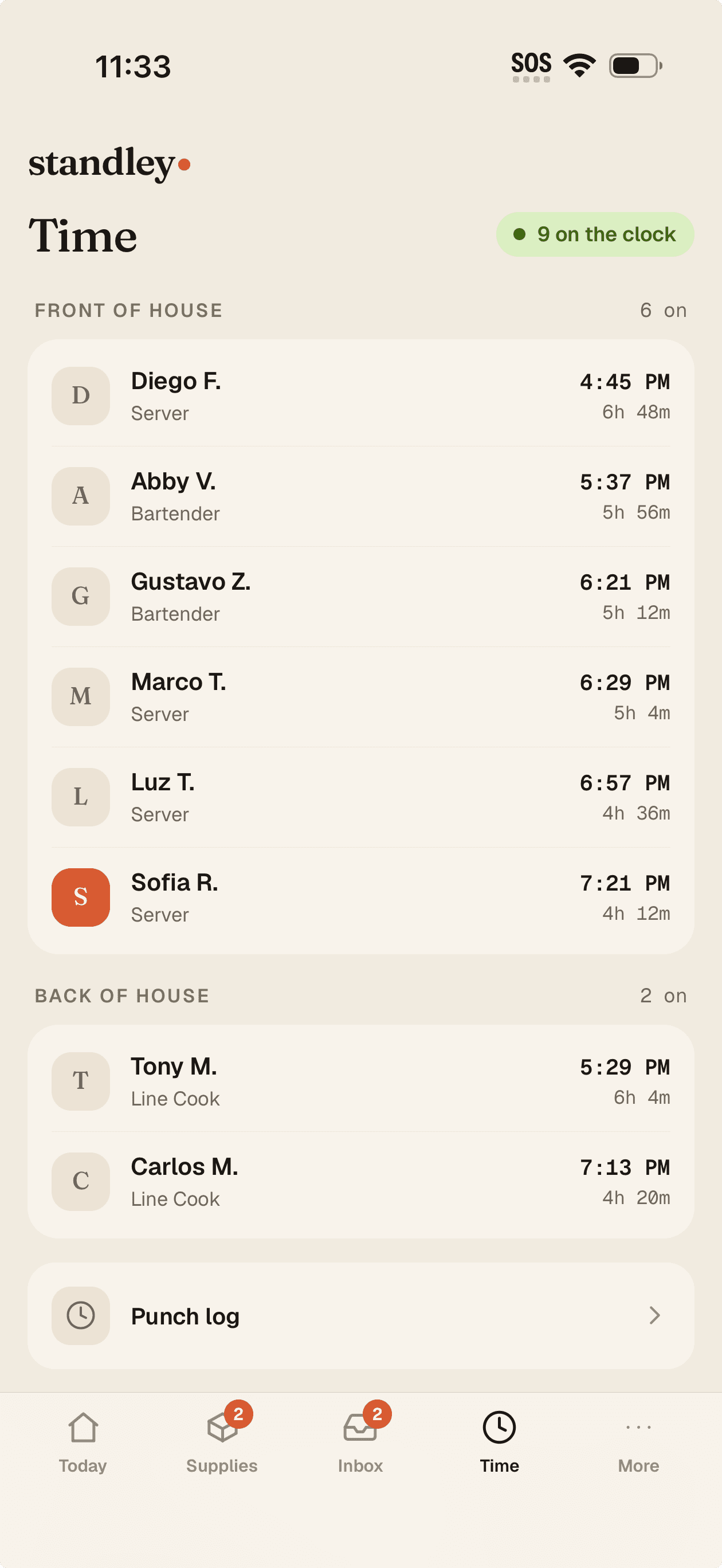
3The hours land on their own
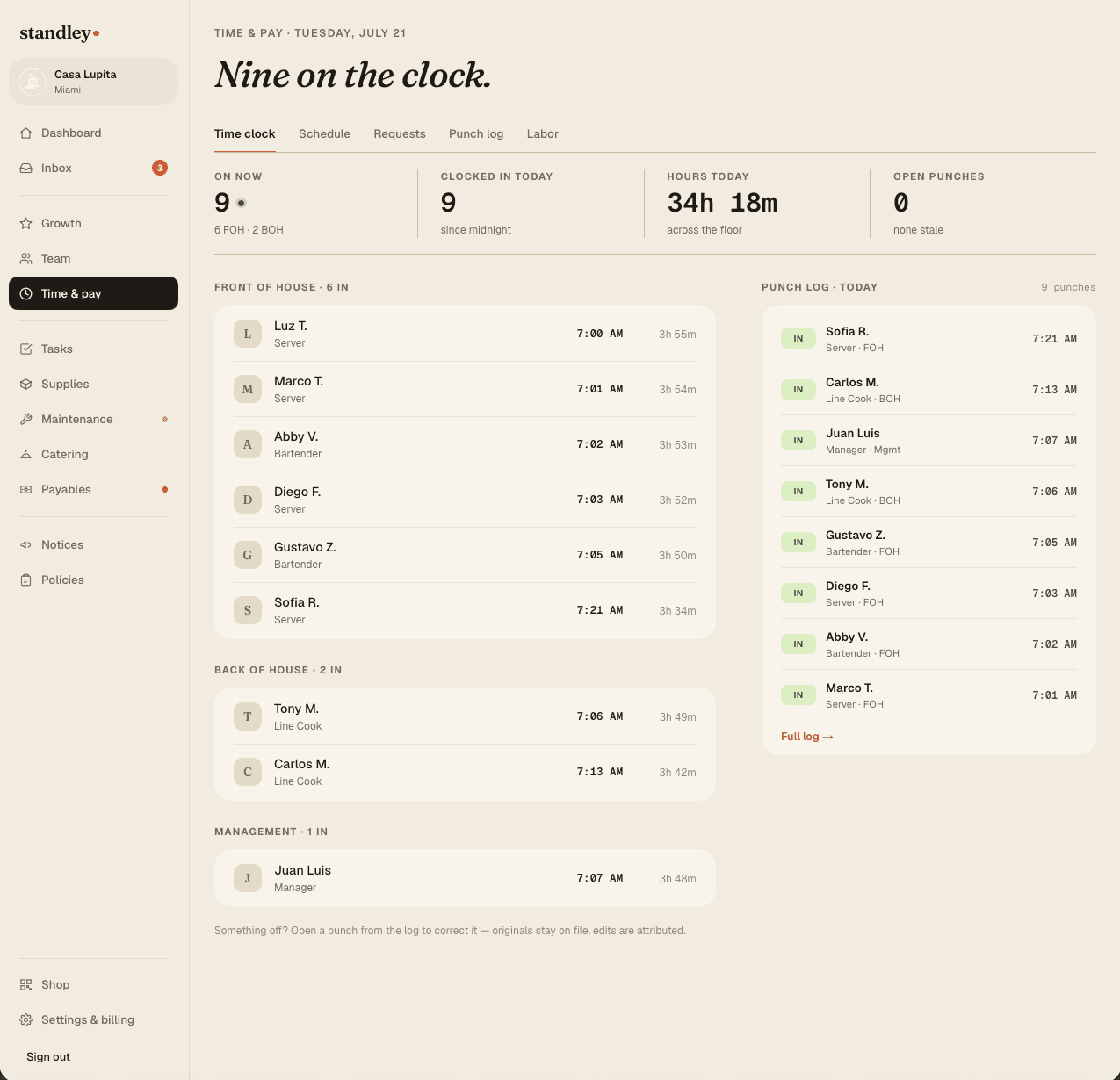
Who's on the clock, live from your pocket — payroll-ready behind it.
Time clock
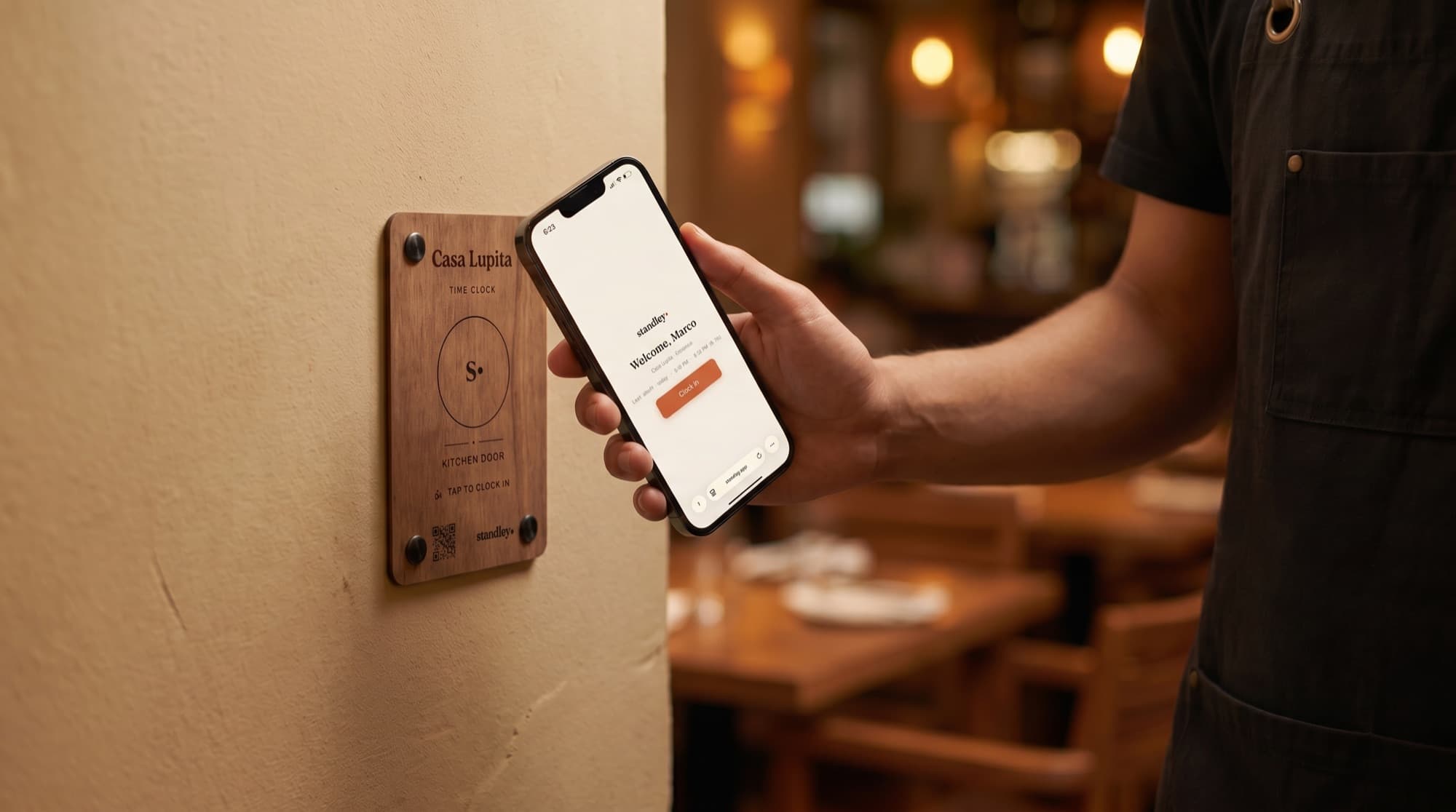
A tag by the kitchen door. That's the whole time clock.
Staff tap their phone on it on the way in — “Welcome, Marco” — and they're clocked in. Tap again on the way out. No terminals, no PIN codes, no buddy punching, and every punch lands in your labor numbers the second it happens. Turn on a geofence so punches only count at the restaurant — and if someone forgets to clock out, you'll know before payroll does.Meet the clock-in station · $59
Tap to punch
One tap, and they're on the clock
Each door gets a named clock tag. A cook taps their phone on the tag by the kitchen, it greets them by name, one big button clocks them in. Out works the same way. It reads on iPhone and Android, and the engraved code on the station covers any phone that can't tap.
Works on any modern phone — nothing to install
Name a tag per door: kitchen, bar, back office
Optional engraved wooden clock-in station, $59
Geofencing
Punches that only count at the restaurant
Turn on a geofence and a punch only registers when the phone is actually at your address. It's geocoded from your business address, adjustable from 75 to 500 meters — so nobody clocks in from the parking lot or the couch.
On/off per restaurant, tuned to your address
Coordinates stored with each punch for the record
Corrections & the paper trail
Fix a missed punch the industry-standard way
Someone forgot to clock out? Edit, add, or delete a punch with full attribution — the first edit snapshots the original, and MANUAL and EDITED pills mark what changed. A missed clock-out past 14 hours flags on both the owner dashboard and the employee's phone, so it never quietly inflates payroll. We never auto-close a punch — you set the real time.
Every edit keeps the original, the editor, and the reason
Searchable punch log by employee and date range
CSV export with the full audit trail — your wage records
Straight into labor
Hours add up on their own
Every punch flows into labor and payroll — scheduled versus actual, by person, for the current pay period. Weekly or bi-weekly. No spreadsheet, no re-keying, no end-of-week reconstruction from paper.
Common questions
Do I need special hardware for the time clock?
No wiring or wall terminal. A clock-in tag by the door is all it takes — staff tap their phone to punch. If you want it to look the part, an engraved wooden clock-in station is $59, but the time clock works either way.
Can employees clock in from home?
Not if you turn on geofencing. A punch only counts when the phone is actually at your restaurant's address, within a radius you set. You can also review and correct any punch after the fact.
Does it keep records for payroll and compliance?
Yes. Every punch — including edits, who made them, and why — is kept for the life of your account and exportable to CSV as your wage records. Corrections flow straight into the labor and pay calculations.
What happens if someone forgets to clock out?
standley never auto-closes a punch. An open punch past 14 hours is flagged on both the owner dashboard and the employee's phone so you can set the correct time — it won't quietly inflate payroll.
Put the time clock by the door tonight
Set up your team, name your door tags, and take the first punch in about ten minutes. Free for 3 months — no credit card.
Product
Resources